
Home / Guides
How to sing live from your phone with a sound card
What plugs into what, in order.
1. Plug the mic into the sound card
The XM-S1 kit comes with its own mic and sound card. With the XA-S11 you can use an XLR condenser mic such as the XM-C21, because the card supplies 48V phantom power.
2. Connect the sound card to the phone
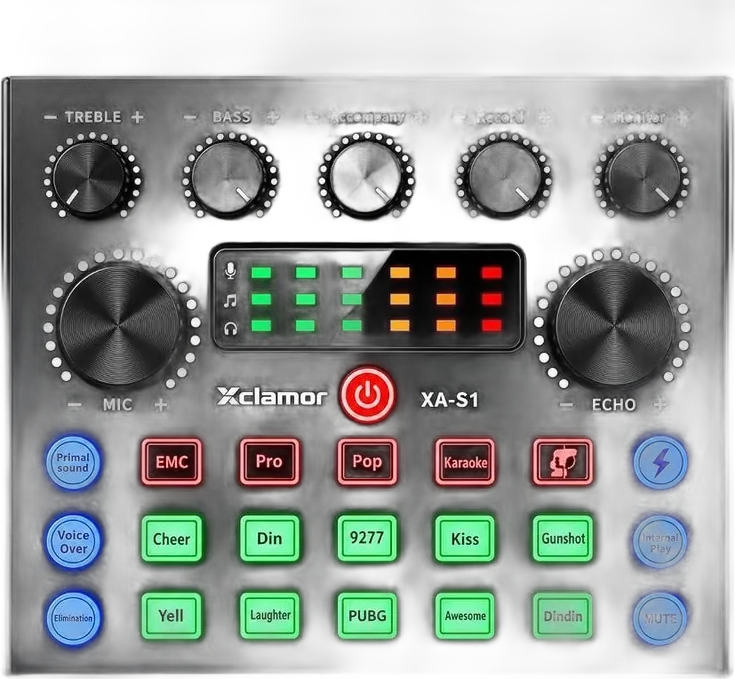
The XA-S1 and the XM-S1 kit connect over USB or Bluetooth and work with Android and iOS. The XA-S11 has two mobile live inputs and an OTG connection.
3. Set your voice before you go live
Choose a voice mode, set the reverb, and bring in backing music. Check the level with headphones first, then open your singing or streaming app.
Products in this guide
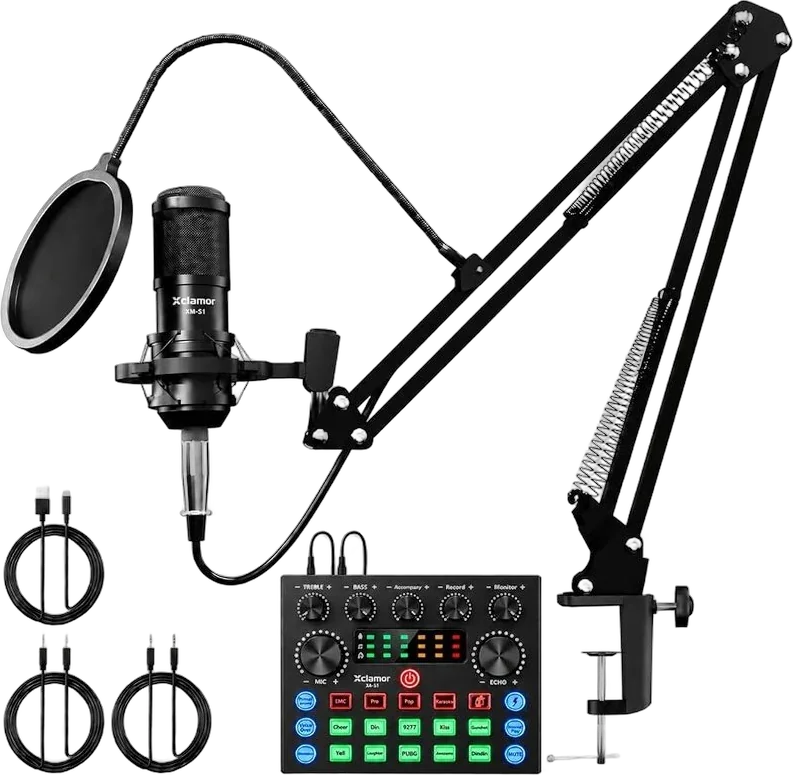
XM-S1
Singing Kit with Sound Card
Mic, sound card and boom arm for singing live.
XA-S1
Live Sound Card
A compact sound card for singing and streaming.
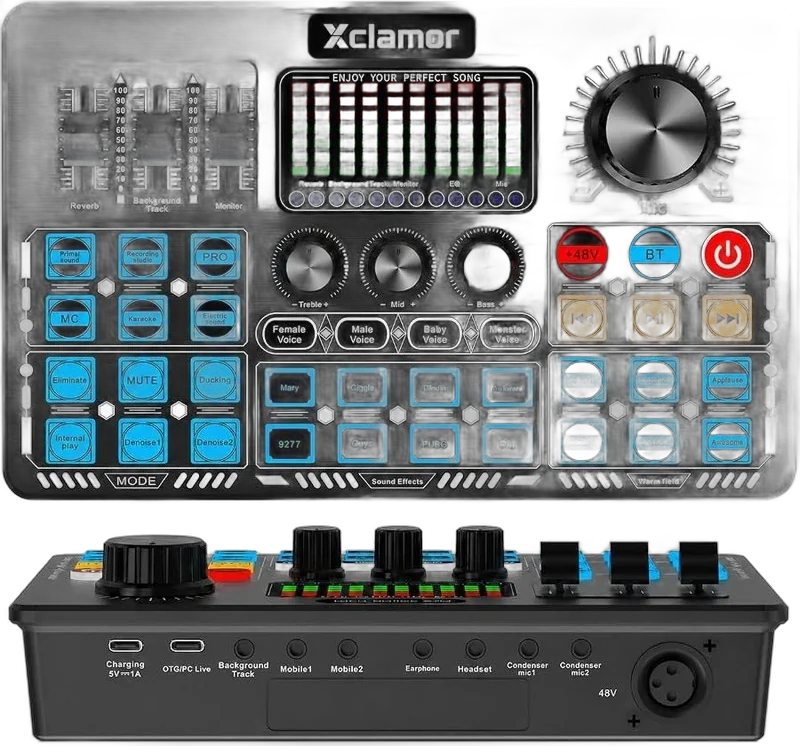
XA-S11
Live Sound Card, 48V
A live sound card for two condenser mics.
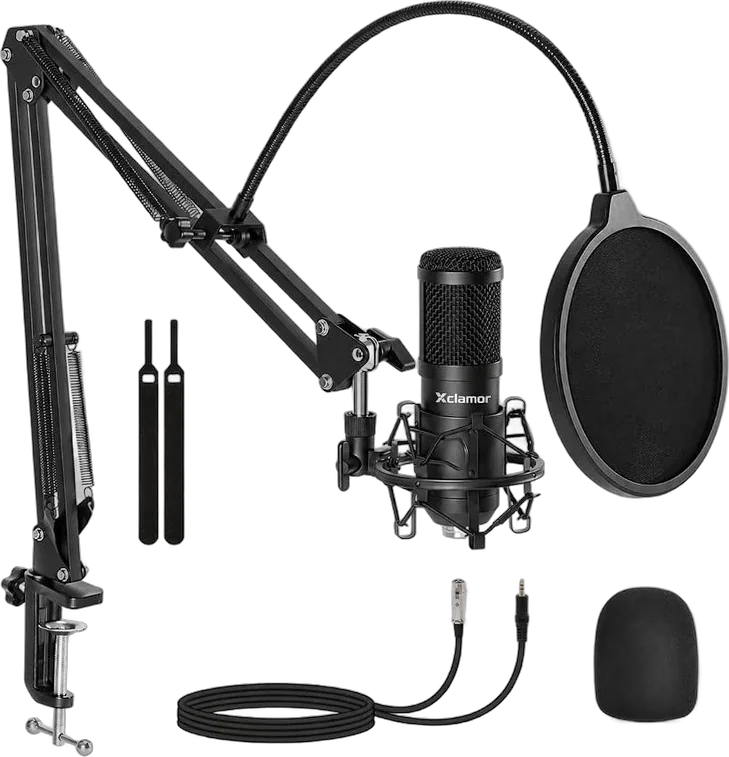
XM-C21
XLR Studio Mic Kit
An XLR studio mic kit for sound cards, interfaces and mixers.
Buy where you already shop.
Buy on Amazon or Flipkart, or order from us directly on WhatsApp.


 WhatsApp