
Home / Microphones / XM-R11
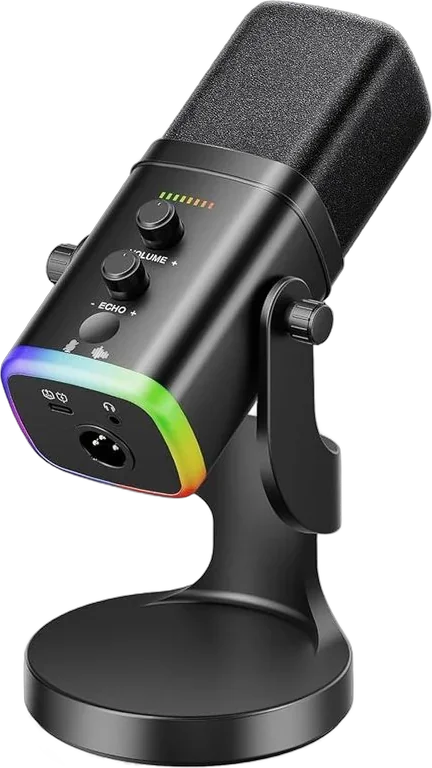
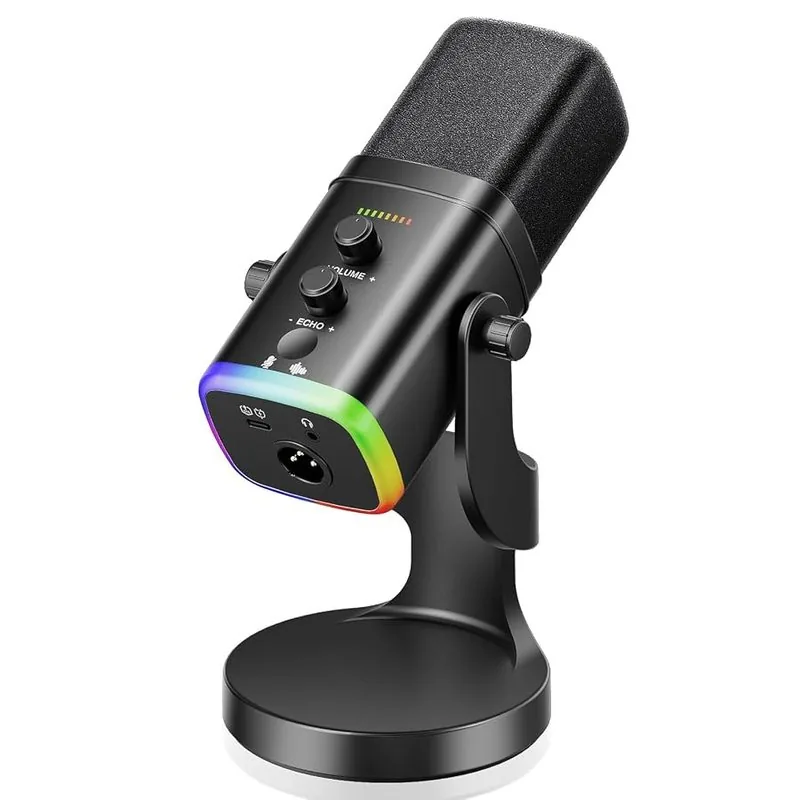
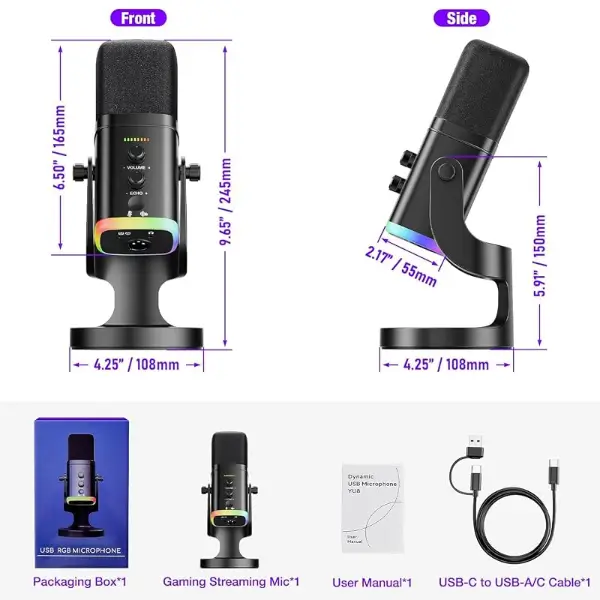
5 photos. Swipe, or tap a thumbnail.
USB/XLR dynamic
XM-R11 USB/XLR Dynamic Mic
4.6 out of 5 on Amazon, from 5 ratings across this product family. Read the reviewsA dynamic mic that works over USB today and XLR later.
- USB-C and XLR outputs
- 24-bit / 48 kHz audio, cardioid
- Touch mute, gain control and monitoring


 Order on WhatsApp
1-year warranty from the date of purchase. Register it with your invoice.
Specs and features
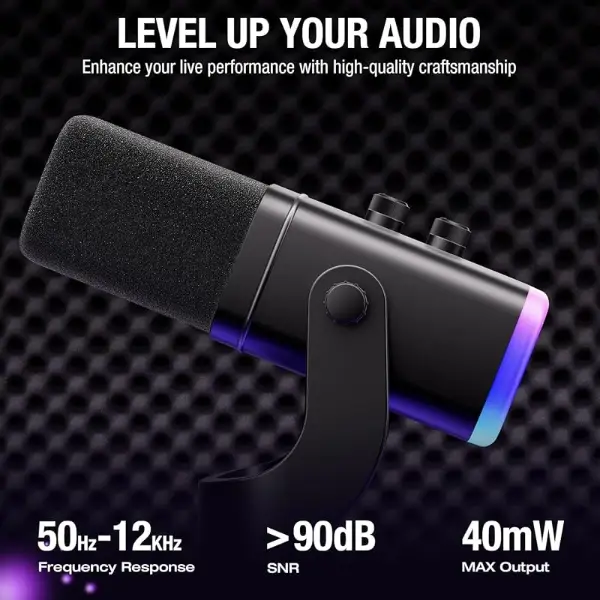
24-bit/48kHz high-resolution audio
Capture clear, detailed and natural-sounding vocals with 24-bit/48kHz audio quality. The dynamic microphone is designed for gaming, streaming, podcasting, singing, voiceovers, online meetings and content creation.
USB & XLR dual connectivity
Enjoy versatile connection options with USB Type-C for convenient plug-and-play use or XLR for connection to mixers, audio interfaces and professional recording setups. Suitable for both beginners and experienced creators.
Cardioid pickup with noise reduction
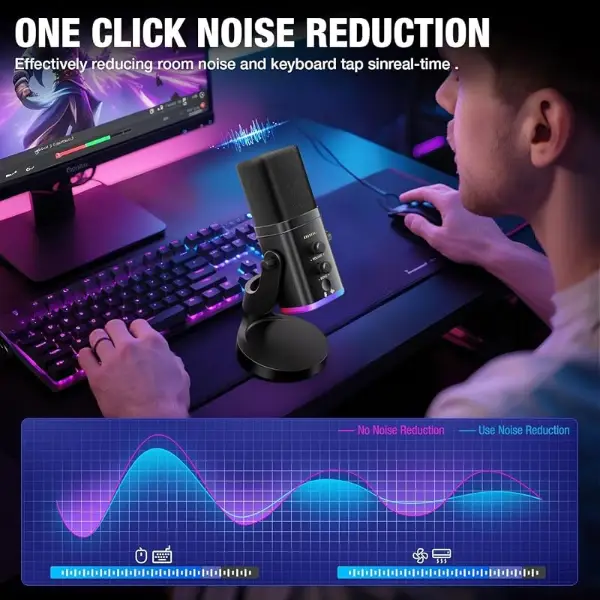
The unidirectional cardioid pickup pattern focuses on sound from the front while helping reduce unwanted background noise. Noise reduction technology helps deliver cleaner voice recordings during gaming, streaming and online communication.
RGB lighting & easy audio controls
Enhance your gaming or streaming setup with integrated RGB lighting. Convenient gain/volume control, touch mute and echo control allow quick adjustment of your voice and audio without interrupting your session.
Desktop stand & real-time monitoring
The sturdy desktop stand provides stable positioning, while the built-in headphone monitoring jack lets you monitor your audio in real time. Compatible with PC, laptop, smartphone, tablet and PS4/PS5 setups.
Works with
Over USB: XM-R11 → USB-C cable → PC or laptop
Over XLR: XM-R11 → XLR cable → Mixer or audio interface → Computer
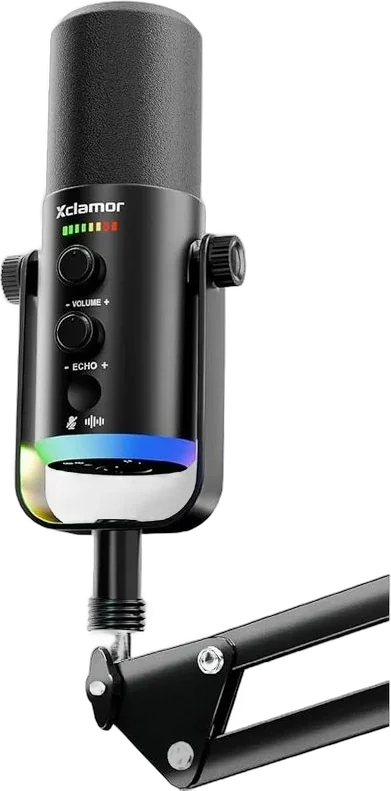 XM-R22 Same idea with a boom arm
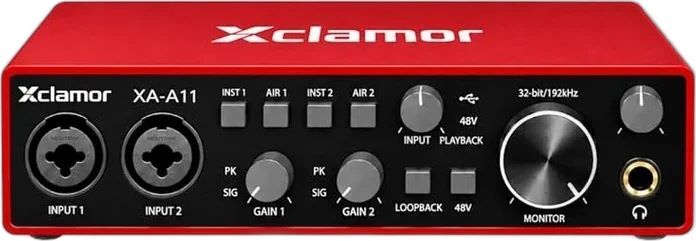 XA-A11 Use its XLR output with this audio interface
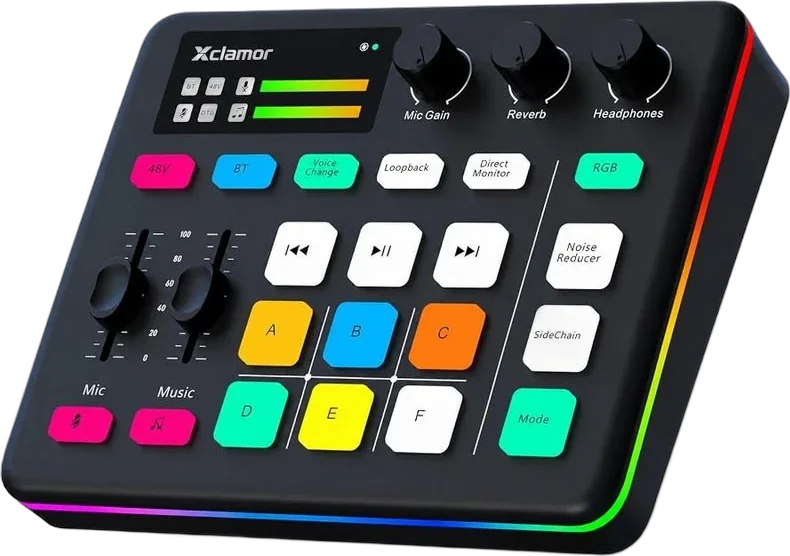 XS-11 Or with this gaming sound card
FAQ
USB or XLR: which should I use?
USB plugs straight into a computer. XLR is for when you add a mixer or audio interface later.
1-year warrantyRegister with your invoice, online or on WhatsApp
Real people on WhatsApp7011640391 · 11 am to 6 pm, Mon to Sat
Sold on Amazon and FlipkartTheir payment, delivery and returns protect your order
Manual in every boxPlus guides and setup help on this site
How it connects
Over USB
- XM-R11
- USB-C cable
- PC or laptop
Over XLR
- XM-R11
- XLR cable
- Mixer or audio interface
- Computer
Works well with
What people add to the XM-R11, and why.
Buy where you already shop.
Buy on Amazon or Flipkart, or order from us directly on WhatsApp.