
Home / Guides
How to connect a wireless mic to a speaker
Three steps, no app and no Bluetooth pairing.
1. Plug in the receiver
The XM-U1 and XM-U2 receivers plug into the 6.35 mm mic input of a speaker, amplifier, mixer or karaoke machine. A 6.35 mm to 3.5 mm adapter is in the box for devices with a 3.5 mm input.
2. Switch on the mic and the receiver
They connect on their own. If another wireless device interferes, the XM-U1 lets you switch between 16 UHF channels with the SET button.
3. Set your echo and sing
Press ECHO on the mic to pick one of 10 levels. The echo comes from the mic, so it works on speakers that have no echo control. These mics are not made for phones, laptops or tablets.
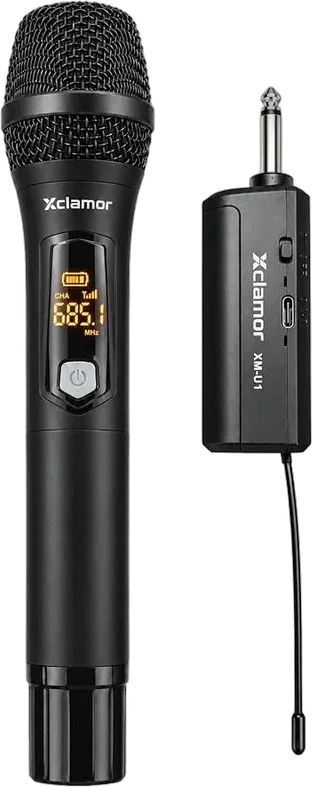
Products in this guide
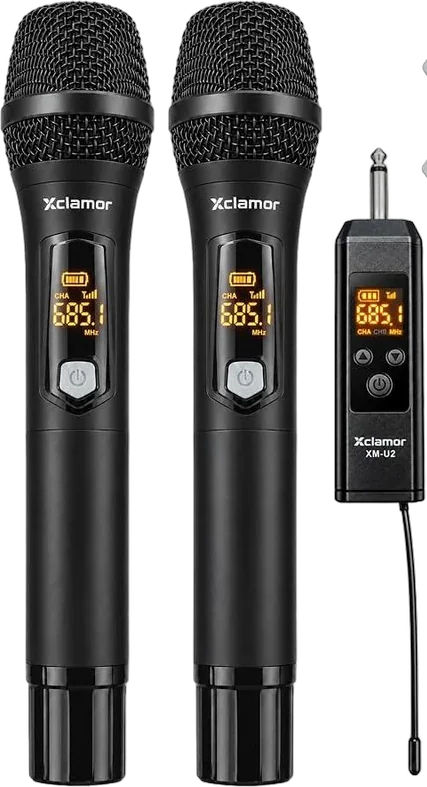
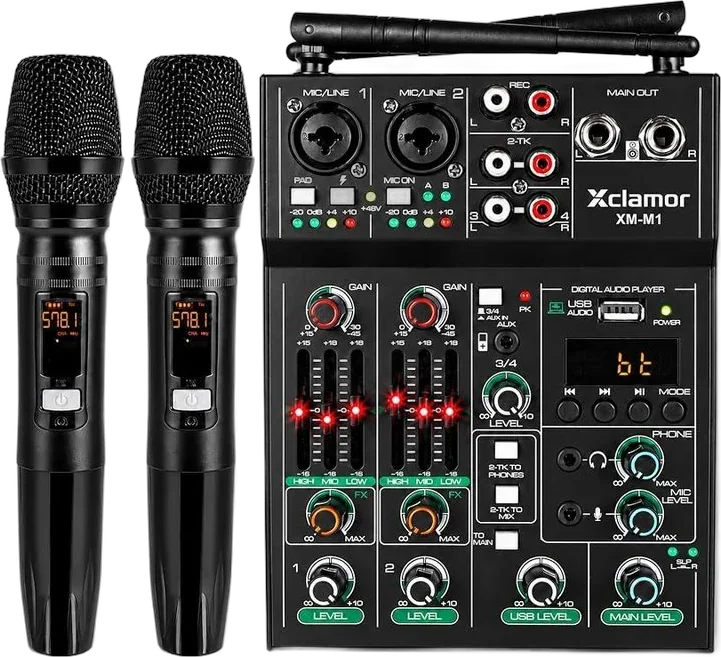
Buy where you already shop.
Buy on Amazon or Flipkart, or order from us directly on WhatsApp.


 WhatsApp